
Managing room rentals across multiple properties creates unnecessary manual work when basic tasks like screening tenants or tracking payments require jumping between tools. Many room rental management software options either put core features like rent collection behind a paywall or fail to sync listings and applications in one place, making bookkeeping unreliable for small landlords. This comparison highlights pricing, payment processing reliability, listing distribution, and support so you can choose a platform that matches your workflow and portfolio size.
Table of Contents
Avail
At a Glance
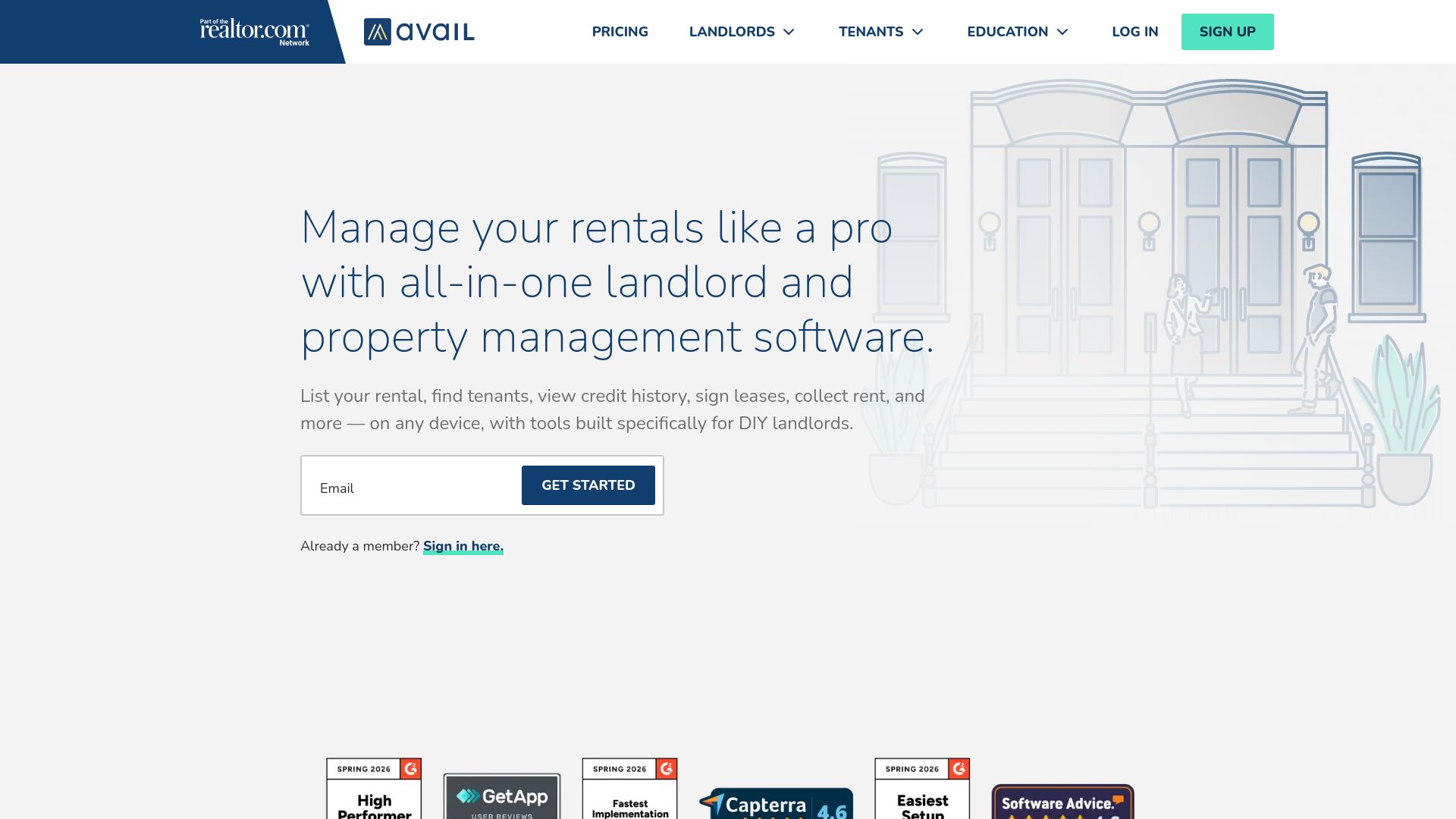
The vendor advertises more than 1 million landlords using Avail, a claim that explains the platform's broad listing distribution and the depth of its screening reach. That scale shows in the product's focus on DIY workflows for small owners.
Core Features
Avail centralizes listing, applications, leases, rent, maintenance, and basic accounting into one dashboard. Listings push to major rental sites from a single form, reducing duplicate entry.
The platform includes online applications with tenant screening and TransUnion reports, lawyer-reviewed lease templates that are state specific, and digital lease signing for remote move-ins.
Automated rent collection and tracking, maintenance ticketing, and simple property accounting round out the feature set for owners who manage a few units themselves.
Key Differentiator
Avail targets hands-on landlords rather than enterprise property managers. The product combines listing syndication, online screening, and lease execution in one flow so landlords avoid cobbling together separate tools for each step.
That single-workflow approach shortens time between posting a vacancy and collecting the first rent payment.
Pros
-
Streamlined lease and tenant workflows let you post a unit, run an application, sign a lease, and set up rent collection without exporting data to other services. That reduces manual follow-up.
-
The platform's screening tools are strong for the DIY user. Built-in background and credit checks simplify decision making for landlords who do their own vetting.
-
Automated rent payment and tracking reduce paperwork. The system records deposits and payment history so your bookkeeping takes fewer manual entries.
-
Support resources and onboarding are oriented to small owners, with templates and help articles that cut setup time for first-time landlords.
-
Listing distribution works reliably for typical rental markets, so one posting reaches multiple high-traffic sites from Avail's interface.
Cons
-
Users report occasional technical glitches, including payment delays and bank synchronization problems that can slow rent posting and reconciliation.
-
Data recovery options are limited, so restoring historic records after an account issue is not as robust as some users expect.
-
Mobile access does not mirror the full desktop feature set, and some workflows remain easier on a laptop than on a phone.
When It May Not Fit
If you run dozens of units with delegated teams, Avail's DIY focus will feel constraining; it lacks advanced multiuser permissions and enterprise reporting. If your business depends on flawless, real-time bank sync for hundreds of transactions, the occasional payment setup issues above make this a risky primary ledger.
Who It's For
DIY landlords and small portfolio owners who want an all-in-one tool to handle listings, screening, lease signing, rent collection, and basic accounting without hiring a property manager. Ideal when you manage a handful to a few dozen units.
Real World Use Case
A single-owner landlord lists a downtown one-bedroom across multiple sites from Avail, collects online applications, orders a TransUnion report, signs a lease digitally, and enables automatic rent payments for the tenant. Maintenance requests and payment records live in the same account.
Pricing
Avail offers a free basic tier and a paid upgrade called Unlimited Plus priced at $9/unit per month. The paid plan adds faster payment options, custom application questions, branded websites, and priority support.
Website: https://avail.co
TenantCloud
At a Glance
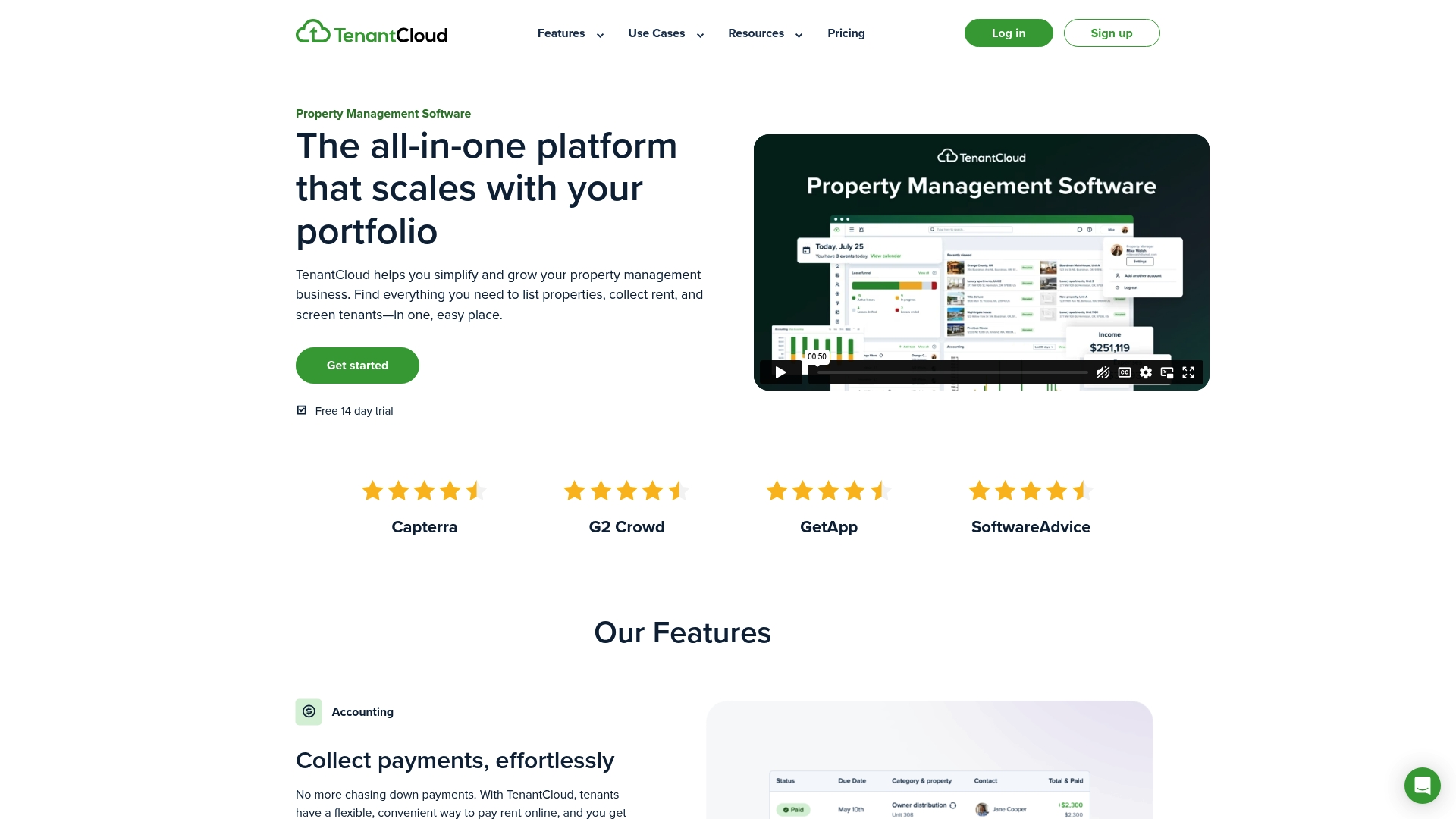
Starting at $15/month, TenantCloud combines online rent collection, tenant screening, listings, accounting, maintenance, and team permissions inside one app aimed at landlords who want more than a single public listing page.
The platform also offers mobile apps and real-time reporting for owners and managers on the go.
Core Features
- Online rent collection and automated invoicing that supports recurring payments and payment history.
- Tenant screening with background and credit checks plus digital lease signing and renewals.
- Listing syndication to major rental sites and built-in listing management.
- Maintenance request tracking, owner and tenant portals, team permissions, and bank reconciliation reports.
Key Differentiator
TenantCloud’s promise is breadth: it bundles accounting, team collaboration, and tenant portals in a single product rather than focusing on one workflow. That makes it a stronger fit when you need bookkeeping and owner statements alongside listing management.
Compared with Room Rental Manager’s one-link listing focus, TenantCloud targets managers who want an all-in-one operations hub for a full portfolio.
Pros
-
Highly competitive pricing for the feature set, which lowers the barrier for small landlords to adopt a managed workflow.
-
Mobile apps and tenant portals improve response times and let you handle rent, maintenance, and documents from a phone.
-
Integration with Stripe for payments and Google Calendar for scheduling reduces manual reconciliation and keeps owners informed.
-
Scalable plans support a single owner with a few units up through a property manager with multiple staff members and permissions.
-
Comprehensive accounting reports and bank reconciliation simplify month-end reporting and owner statements.
Cons
-
Several advanced features have a steep learning curve; new users report spending time to configure accounting and workflows.
-
Customization for legal forms and templates is limited, which can be a problem for managers in jurisdictions with specific lease language.
-
Support response times can vary, and some customers report inconsistent help during urgent issues.
-
Bank synchronization is generally useful but occasional mismatches or delays require manual reconciliation.
When It May Not Fit
If you only need a single, elegant public listing page to collect inquiries and simple leads, TenantCloud’s broader toolset adds complexity you don’t want.
Also avoid TenantCloud if you need fully customizable legal templates or guaranteed rapid support response; its strengths are breadth and affordability, not bespoke legal workflows or prioritized white-glove service.
Notable Integrations
- Stripe for payment processing
- Google Calendar for event and maintenance scheduling sync
- RentRange for market data and rental pricing insights
Who It's For
Self-managing landlords, small to mid-sized property managers, and startups that need rent collection, screening, maintenance, and accounting in one system. It fits portfolios that want to retire spreadsheets and consolidate vendor logins.
Real World Use Case
A landlord with 10 units uses TenantCloud to collect rent through Stripe, screen applicants, accept digital leases, and log maintenance requests. The owner pulls monthly reconciliation reports and shares statements with an offsite investor without stitching together multiple spreadsheets.
Pricing
Plans start at $15/month for the Starter tier, with tiered Growth, Pro, and Business options. The Business plan uses custom pricing for larger portfolios and additional team seats.
Website: https://tenantcloud.com
TurboTenant
At a Glance
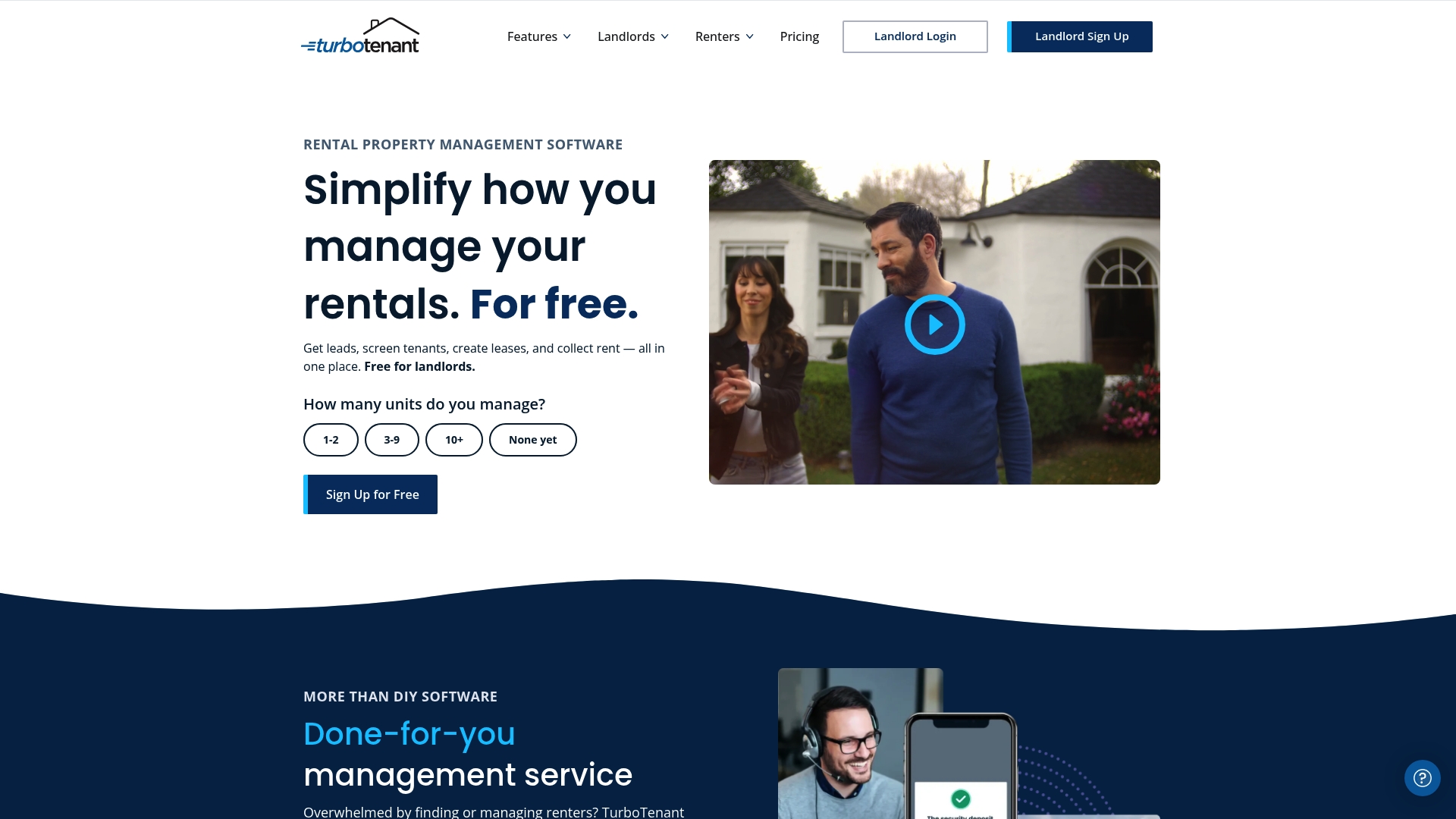
Free core functionality for listings, screening, lease signing, and rent collection is available with no monthly fee, while optional paid management services add professional tenant placement and property oversight. The platform supports both web and mobile access for managing rentals from anywhere.
Core Features
- Online listings with syndication to multiple classifieds and rental sites.
- Tenant screening including background, credit, and income verification during application submission.
- Automated lease generation and electronic signing so leases are ready after approval.
- Online rent collection with autopay and late fee automation for recurring receipts.
Key Differentiator
TurboTenant's standout angle is that the core product stays free while bundling the tools most landlords need. That mix of a zero-cost entry point plus optional paid management services makes it easy to start without upfront subscription risk while adding professional help later.
Pros
- Free plan covers listings, applications, screening, lease templates, and basic rent collection, which helps first-time landlords avoid subscription costs.
- The interface reduces setup friction so you can publish a listing and start collecting applications in under an hour.
- Tenant screening and income verification are built into the application workflow, keeping applicant documents and reports in one place.
- Mobile apps let you review applicants, sign leases, and check payments on the go.
- Supports multiple property types and grows with small portfolios without requiring a different tool set.
Cons
- Users report occasional delays in rent deposit processing which can create cash flow uncertainty for tight budgets.
- Support responsiveness varies and can be slow during peak times, leaving some issues unresolved longer than expected.
- Payment disputes and refund edge cases are handled under rigid policies that frustrate landlords and tenants in some reports.
When It May Not Fit
If you need guaranteed fast deposit timing for payroll obligations, the occasional processing delays here could be a problem. If your business demands white glove support or a dedicated account manager, TurboTenant's standard support model may feel light.
Who It's For
Small to medium landlords and property managers who want an all-in-one, low-cost way to run listings, vet applicants, execute leases, and collect rent. It fits DIY operators and small portfolios that value a simple, mobile-friendly workflow before upgrading to paid services.
Real World Use Case
A landlord with four units posts one listing and syndicates it across multiple sites. Applicants apply online, the landlord runs built-in screening, signs a lease electronically, and sets autopay. The whole process cuts manual steps and reduces vacancy time.
Pricing
The core product is free. Optional paid management services such as tenant placement and day-to-day oversight are available for a fee. There are no hidden subscription charges for the basic listing, screening, lease, and rent collection features.
Website: https://turbotenant.com
Comparing Room Rental Management Platforms
When evaluating room rental management tools, prioritizing the features that best suit your specific needs is crucial. Let's examine how roomrentalmanager.com compares to other notable options, focusing on their unique advantages.
Primary Operational Focus and Workflow Design
Roomrentalmanager.com places emphasis on delivering intuitive management tools with a focus on accessibility for smaller landlords. Its layout is straightforward, reducing the learning curve for first-time users handling basic property operations. In contrast, TenantCloud offers an expansive feature set suitable for larger portfolios, including advanced accounting tools and team management, which may involve a steeper learning phase.
Pricing Structures and Accommodations
Both Avail and TurboTenant provide free plan options, tailored for landlords managing a limited number of properties. These plans are especially suitable for users who seek functionality without upfront financial commitments. However, these free offerings may lack the scalability needed for growing property managers. Roomrentalmanager.com, while implementing a straightforward pricing model, integrates multiple features under one subscription, balancing cost with functionality.
Specialization and Focus Areas
Components like Avail's tenant-screening tools and lease execution workflows clearly meet the needs of hands-on landlords seeking simplified portfolio management. Meanwhile, TurboTenant's dedication to tenant interaction through features like enhanced application workflows and tailored communication tools highlights its focus on effective tenant engagement.
Best Fit
- Landlords desiring a methodical yet user-friendly interface for managing small to moderate portfolios will find roomrentalmanager.com particularly beneficial.
- If scalability and advanced features like team management and detailed metrics are priorities, TenantCloud is compelling.
- Budget-conscious landlords looking for free tools with minimal onboarding will appreciate TurboTenant or Avail for their zero-cost entry points.
Our Pick
For landlords focusing on an all-in-one solution that balances cost, usability, and effective management, roomrentalmanager.com emerges as the most compelling option. However, professionals seeking advanced customization or expanded toolsets for larger operations might find competitors like TenantCloud better aligned with their needs.
Room Rental Management Software Comparison
Choosing the best room rental management software often depends on the features, pricing, and limitations most relevant to your use case, particularly if you prioritize centralized workflows.
| Product Name | Core Feature or Use Case | Key Differentiator | Best For | Pricing | Notable Limitation |
|---|---|---|---|---|---|
| Room Rental Manager | Comprehensive listing and management workflow | Unified platform for streamlined operations | Self-managing landlords | Not disclosed | Limited enterprise-level reporting options |
| Avail | Integrated listings, screening, and lease management | Single workflow for rental processes | DIY landlords | $9/unit per month | Mobile app access lacks feature parity with desktop version |
| TenantCloud | All-in-one property management with detailed accounting | Combines tenant portals and team collaboration | Small to mid-sized property managers | $15/month | Limited customization for legal forms |
| TurboTenant | Free core functionality for listings and basic rent collection | Zero-cost entry point for essential tools | Small-scale landlords requiring simplicity | Free core plan | Occasional delays in rent deposit processing |
Simplify Your Room Rental Management with Room Rental Manager
Struggling with scattered rental information and multiple platforms just to manage your listings and inquiries This article highlights key challenges landlords face with rentmore.us alternatives like Avail, TenantCloud, and TurboTenant The common pain points include juggling multiple apps for listings, screening, and rent collection and losing track of renter interest
Room Rental Manager is designed just for landlords and small housing businesses who want one clean public listing page to showcase openings, photos, property details, and contact options From a single dashboard you can share one link to your rental, collect inquiries, track lead sources, and manage follow-up without the hassle of repeating information across emails, texts, and social media
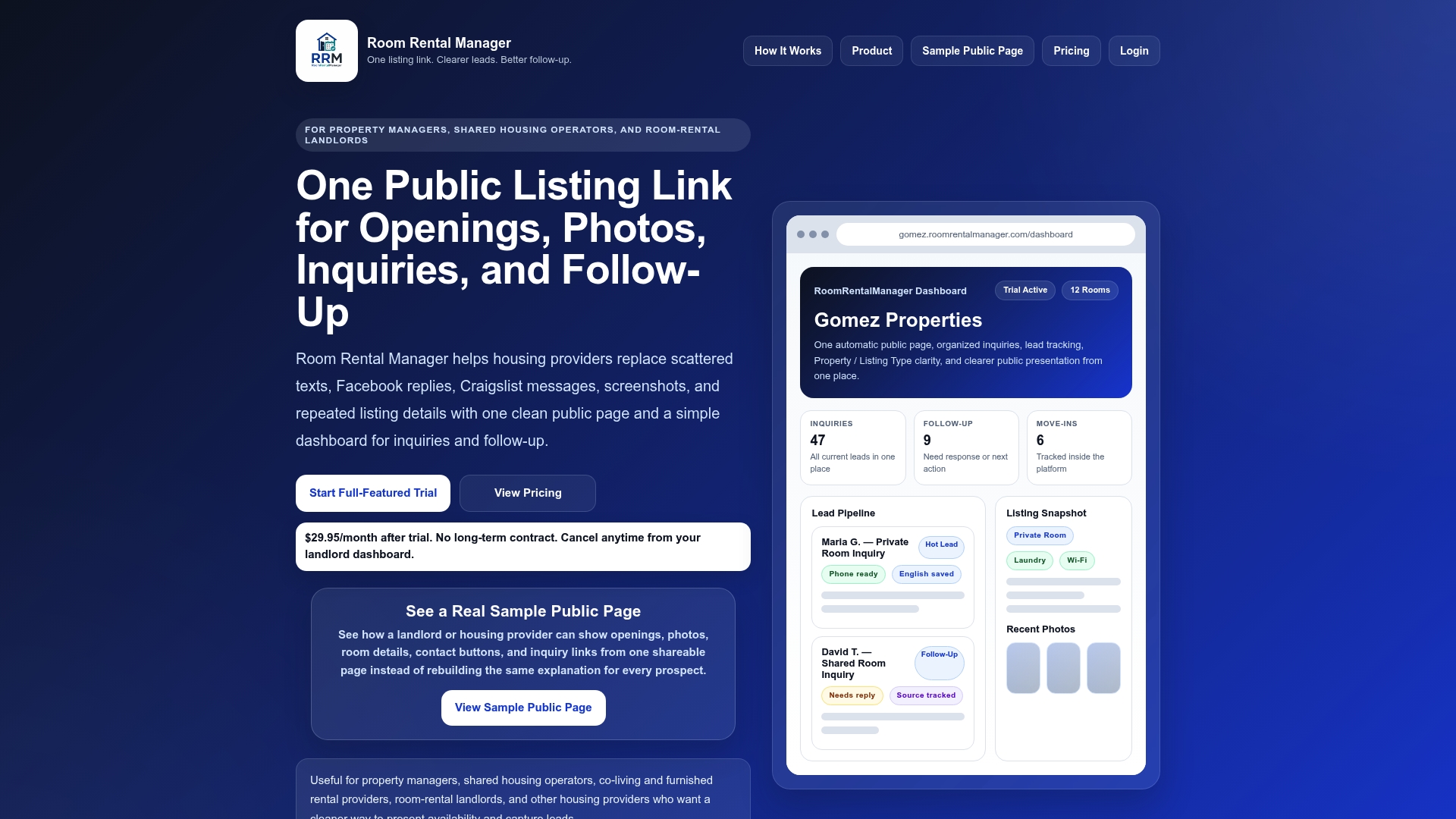
Take control of your rental listings now by trying Room Rental Manager and experience how easy it is to present your rooms professionally while efficiently managing renter interest in one place. Start by creating your first public listing page to see all inquiries organized and accessible within minutes.
Frequently Asked Questions
What features make Room Rental Manager a good choice for small landlords?
Room Rental Manager provides effective functionalities like streamlined lease and tenant workflows that let users post units, run applications, sign leases, and set up rent collection without needing to export data. This simplifies the overall management process significantly since everything is handled in one place, reducing manual follow-ups. Consider using Room Rental Manager for a more efficient rental management experience.
How does TenantCloud compare to Room Rental Manager in terms of features?
TenantCloud excels with its bundled accounting, team collaboration, and tenant portals, offering a comprehensive suite that can benefit multi-user environments. For landlords primarily managing a small number of units, Room Rental Manager remains more suitable, focusing on a simplified and user-friendly experience tailored for hands-on management. Evaluate how many features you truly need based on your portfolio size.
Which platform is better suited for DIY landlords with a few units, Room Rental Manager or TurboTenant?
TurboTenant offers free core functionalities such as listings, screening, and rent collection without an upfront subscription, making it appealing for new landlords on a budget. Room Rental Manager, with its streamlined workflows tailored for small owners, provides a more tailored experience if you prefer to have all processes in one integrated platform. Consider your budget and specific feature needs when choosing between these two options.
Can I expect reliable technical support with Room Rental Manager, especially during peak seasons?
Room Rental Manager provides solid support tailored for small property owners, with specific resources designed to assist new users. This focused support is crucial, especially during busy rental seasons, reducing setup time for first-time landlords. If responsive support is a top priority for you, keep this in mind as you explore Room Rental Manager.
Does Room Rental Manager provide any automated rent collection features?
Yes, Room Rental Manager includes automated rent collection and tracking, which helps reduce paperwork and simplifies accounting by recording deposits and payment history automatically. This means you can expect less manual entry in your financial records, allowing for better efficiency in managing your properties. If you're looking for a way to streamline financial tracking, Room Rental Manager is a great choice.